---
title: React Developer Tools
---
Use React Developer Tools to inspect React [components](/learn/your-first-component), edit [props](/learn/passing-props-to-a-component) and [state](/learn/state-a-components-memory), and identify performance problems.
* How to install React Developer Tools
## Browser extension {/*browser-extension*/}
The easiest way to debug websites built with React is to install the React Developer Tools browser extension. It is available for several popular browsers:
* [Install for **Chrome**](https://chrome.google.com/webstore/detail/react-developer-tools/fmkadmapgofadopljbjfkapdkoienihi?hl=en)
* [Install for **Firefox**](https://addons.mozilla.org/en-US/firefox/addon/react-devtools/)
* [Install for **Edge**](https://microsoftedge.microsoft.com/addons/detail/react-developer-tools/gpphkfbcpidddadnkolkpfckpihlkkil)
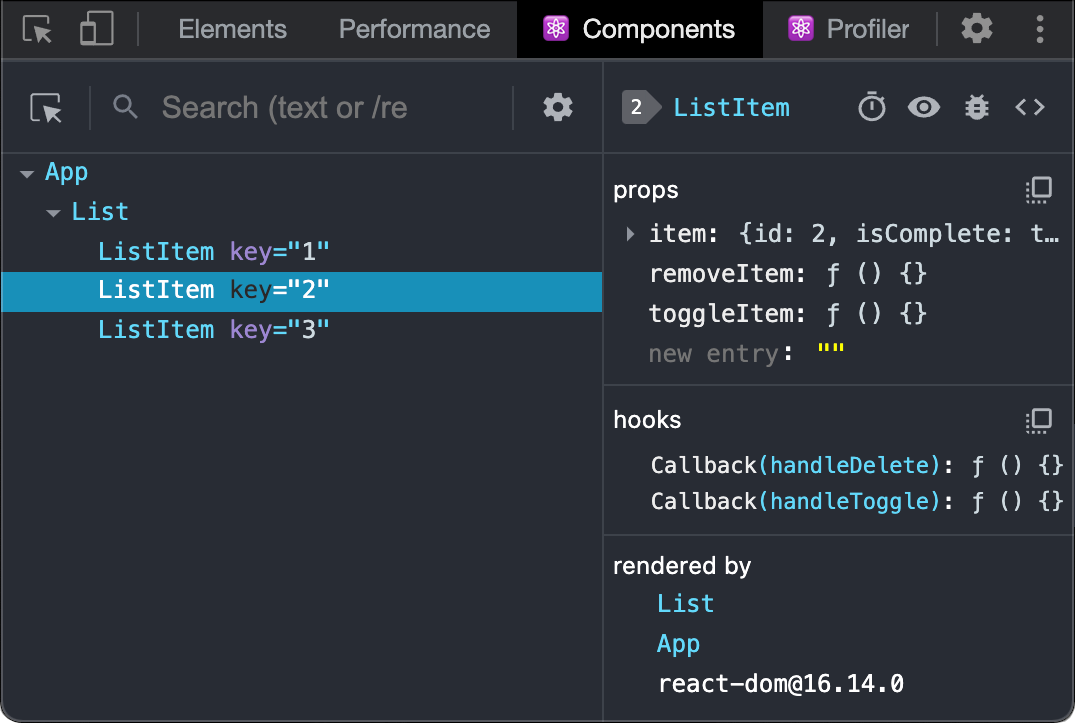
Now, if you visit a website **built with React,** you will see the _Components_ and _Profiler_ panels.
### Safari and other browsers {/*safari-and-other-browsers*/}
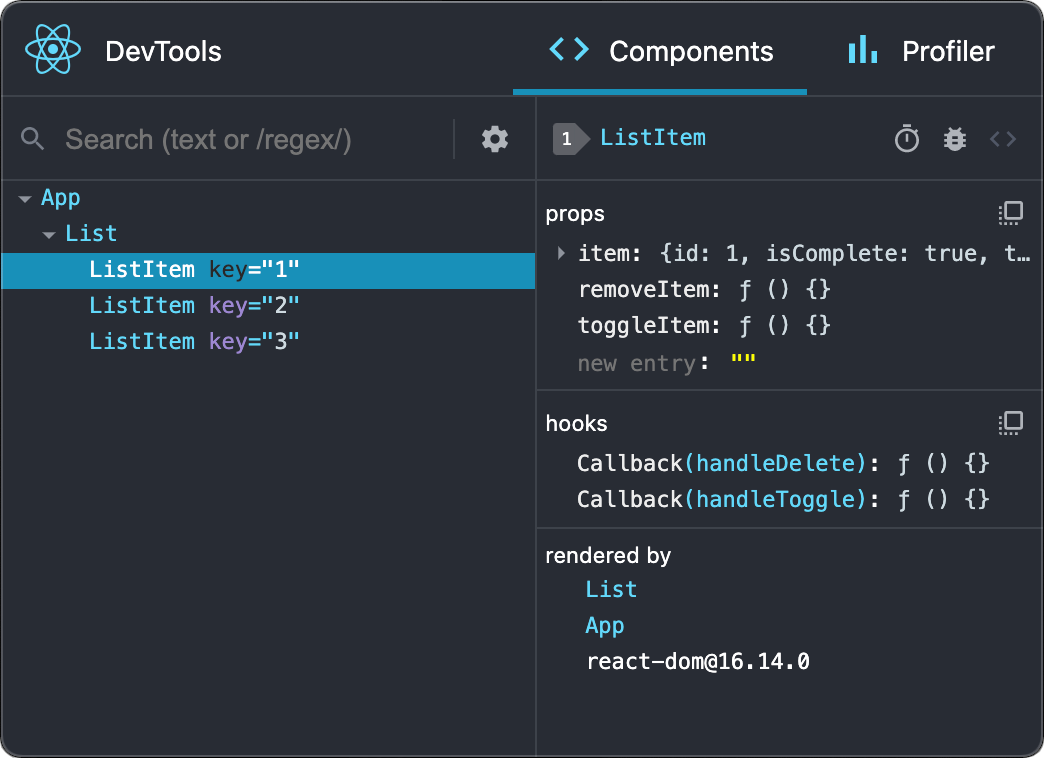
For other browsers (for example, Safari), install the [`react-devtools`](https://www.npmjs.com/package/react-devtools) npm package:
```bash
# Yarn
yarn global add react-devtools
# Npm
npm install -g react-devtools
```
Next open the developer tools from the terminal:
```bash
react-devtools
```
Then connect your website by adding the following `
```
Reload your website in the browser now to view it in developer tools.
## Mobile (React Native) {/*mobile-react-native*/}
To inspect apps built with [React Native](https://reactnative.dev/), you can use [React Native DevTools](https://reactnative.dev/docs/react-native-devtools), the built-in debugger that deeply integrates React Developer Tools. All features work identically to the browser extension, including native element highlighting and selection.
[Learn more about debugging in React Native.](https://reactnative.dev/docs/debugging)
> For versions of React Native earlier than 0.76, please use the standalone build of React DevTools by following the [Safari and other browsers](#safari-and-other-browsers) guide above.
---
## Sitemap
[Overview of all docs pages](/llms.txt)